Noqui Notes
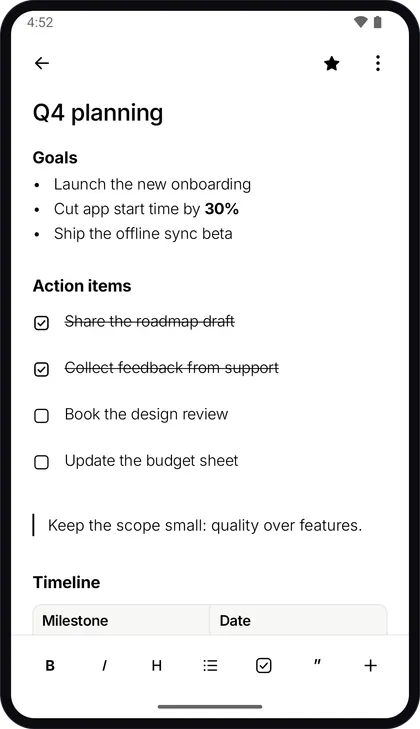
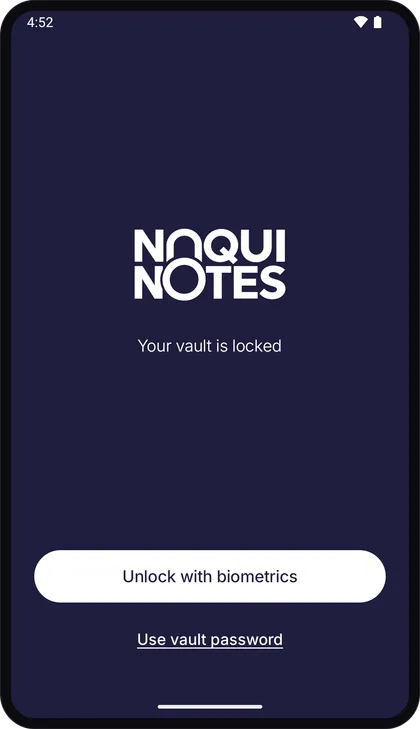
Write notes and checklists, file them in folders and tags, attach files, and step back through every earlier version of a note. All of it lives in an encrypted vault on the phone, opened with a password only you know or with your fingerprint. There is no account and no Noqui Notes server, and the only copy of your notes that can ever leave the device is a backup you switch on yourself, encrypted before it goes. The flip side is stated plainly: forget the password with no backup you can open, and there is no copy anywhere to reset it from.
 Google Play — link coming soon
Dimmed badges are awaiting their store listing URL.
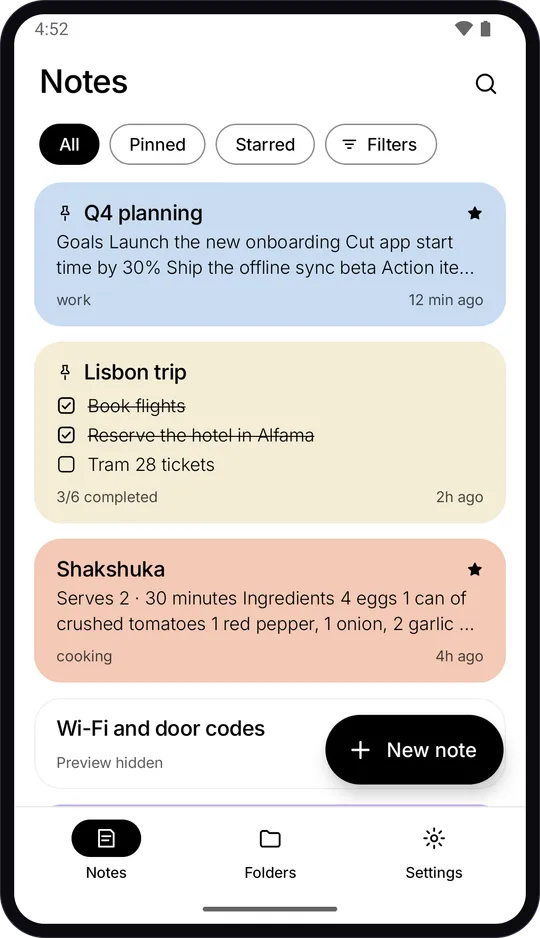
What it does
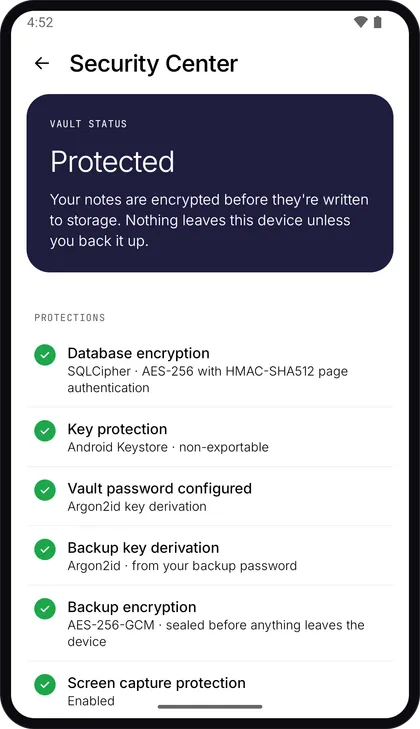
Encrypted at rest
Notes live in a SQLCipher database under AES-256, and attachments are encrypted separately. The key is derived from your vault password with Argon2id and held behind the Android Keystore.
No account, no server
There is nothing to sign up for and no server for your notes to pass through. The app carries no analytics and no crash-reporting SDK.
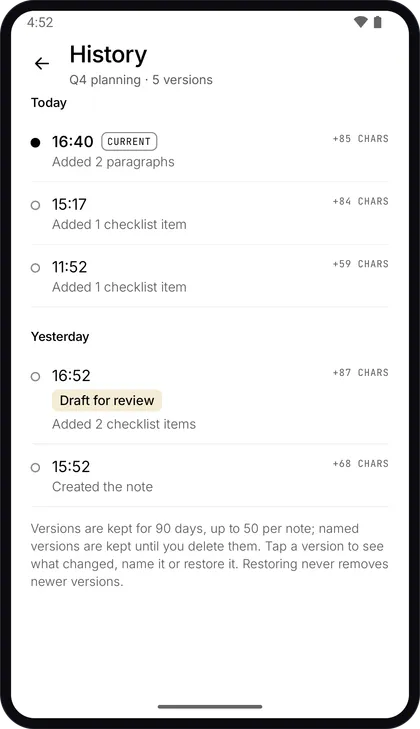
Every version kept
See what changed between a note's versions and restore any of them. Restoring never removes the newer ones, and deleted notes wait in Trash for 30 days before they are gone for good.
Backups only you can open
Export an encrypted .noqui file, or back up to your own Google Drive with access limited to the files the app creates. Neither we nor Google can read them without your backup password.
Screens